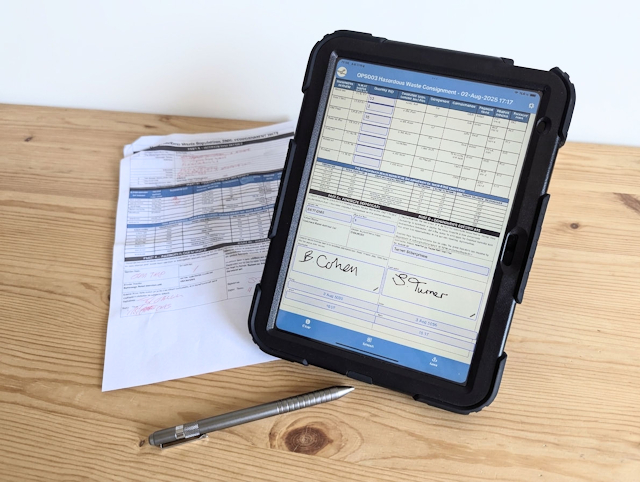
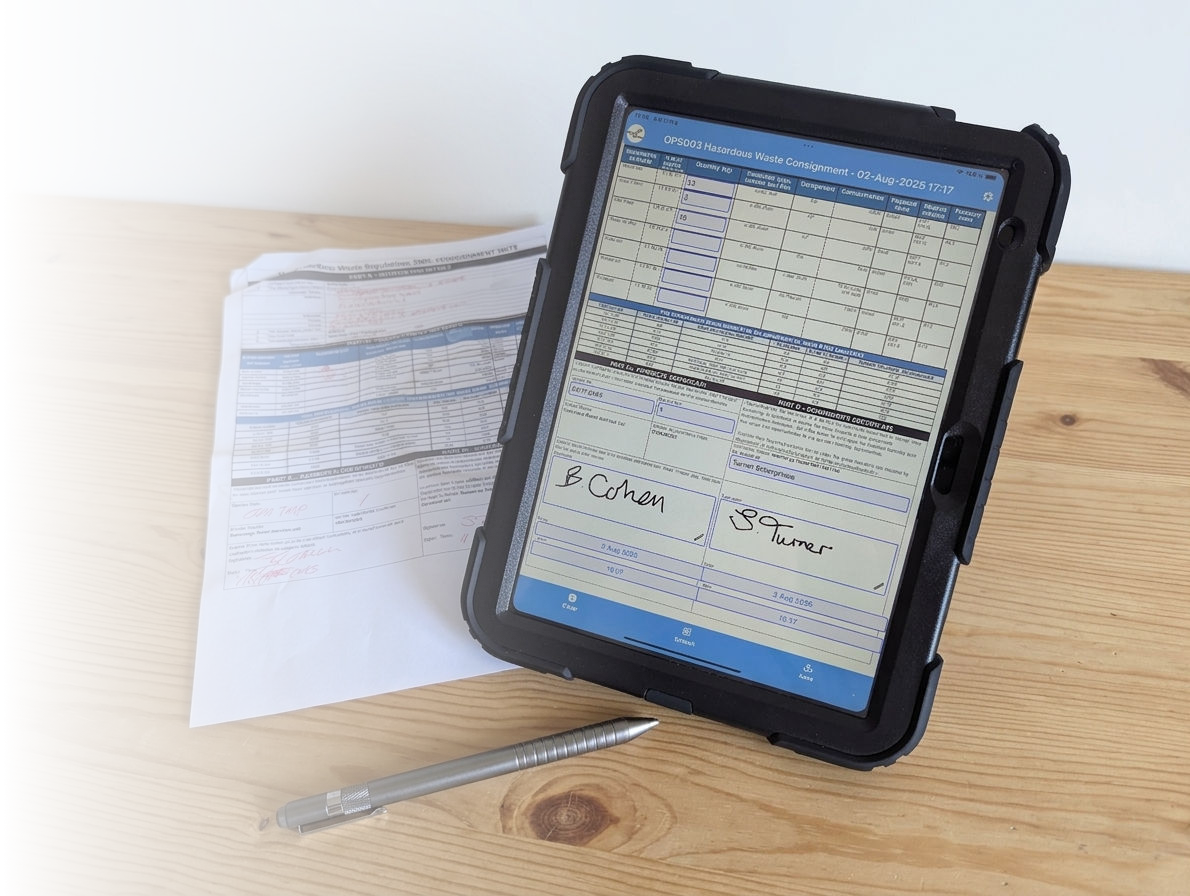
Transform Microsoft Word forms into powerful mobile applications. Eliminate the paper-chase and revolutionise how your business handles information in the field.
Whatever size business you're in, Mobile Forms will get you away from managing your information on paper and into the digital era.
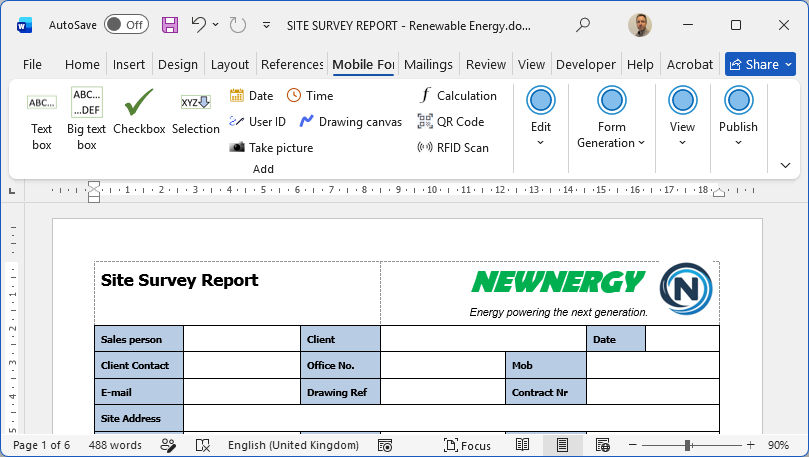
Using a simple add-in for Microsoft Word, your forms are enriched for mobile devices.
"We have completed a lot of good projects but implementing Mobile Forms was one of the best"
— Jim Redshaw (CATS Instrument Technician)"The only complaint we get from the team is when they come across a procedure we haven't put into Mobile Forms yet"
— Andrew Birbeck (CATS Assistant Engineer)"Mobile Forms has been an absolute game changer for us at Speedy Hire"
— Len Clough (Head of Operations Support)"Implementation of Mobile Forms has led to a big step change in completion accuracy, auditability and compliance with procedural requirements"
— Lee Carwardine (CATS Lead Instrument Engineer)Start managing your business information properly with our robust platform
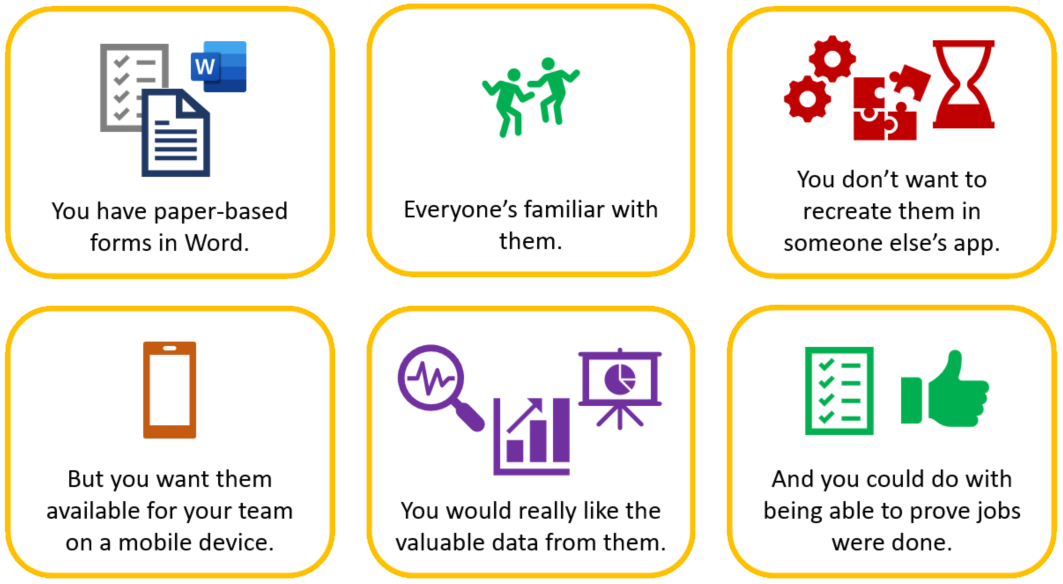
Traditional forms are easily lost, damaged, or delayed. Mobile Forms delivers a high-speed, efficient alternative designed for real-world environments.
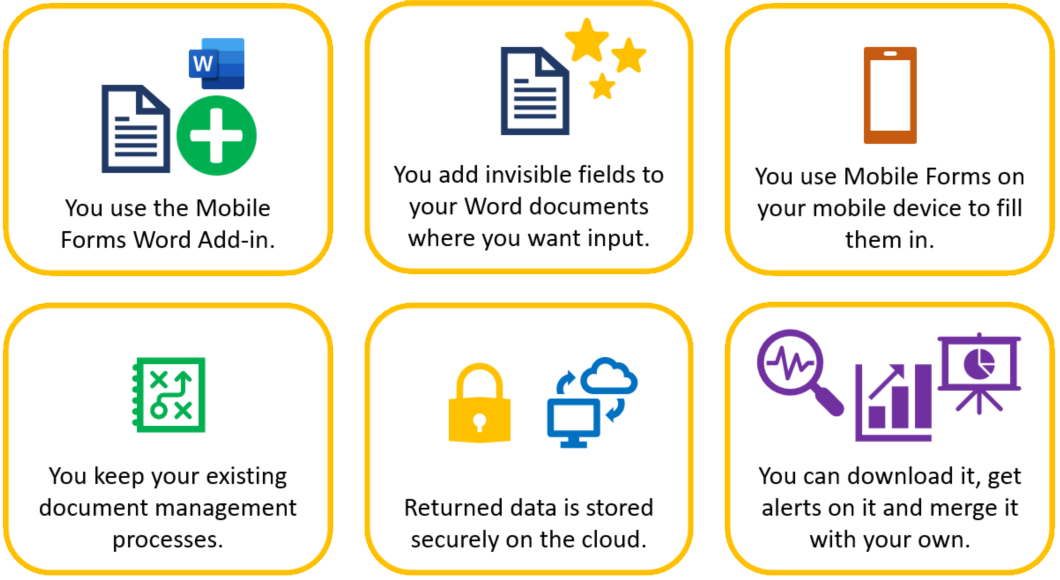
Keep using the tools you know. Our Word add-in lets you enrich existing documents with mobile-ready logic.
Instantly generate professional PDF renditions upon completion and auto-email them to stakeholders.
All data is compiled into a database. Download as a spreadsheet or connect via our robust API.
Mobile Forms isn't just designed for the office. Whether you're in a comfortable, air-conditioned space with the latest high-speed WiFi or in the middle of nowhere with zero signal, Mobile Forms works just fine.
It's designed for those places where a signal is low, slow or even non-existent. It's designed so you should neither know nor care whether you're connected. You can still carry out your work as normal.
It's designed for the real world. Working entirely off-line (and when we say that, we mean it), you can do everything you would if you were on-line (well, with the exception of actually sending stuff or receiving anything new... we're not magicians).
Seriously though, create and fill in forms, save them for later, edit them wherever you are and submit them even if you're off-line. Your device will re-sync when it reaches a network connection later.

Choose a plan that fits your operation, from local teams to global enterprises.
Let us show you how Mobile Forms can revolutionize your specific industry workflow.
United Kingdom